1
Step 1
Record information your way
Talk, type or attach a photo. AI interprets what you share and turns it into organized records.
With CAS you can manage Dashboard, Balances, Transactions, Payments, Wishes, Budgeting, Customization
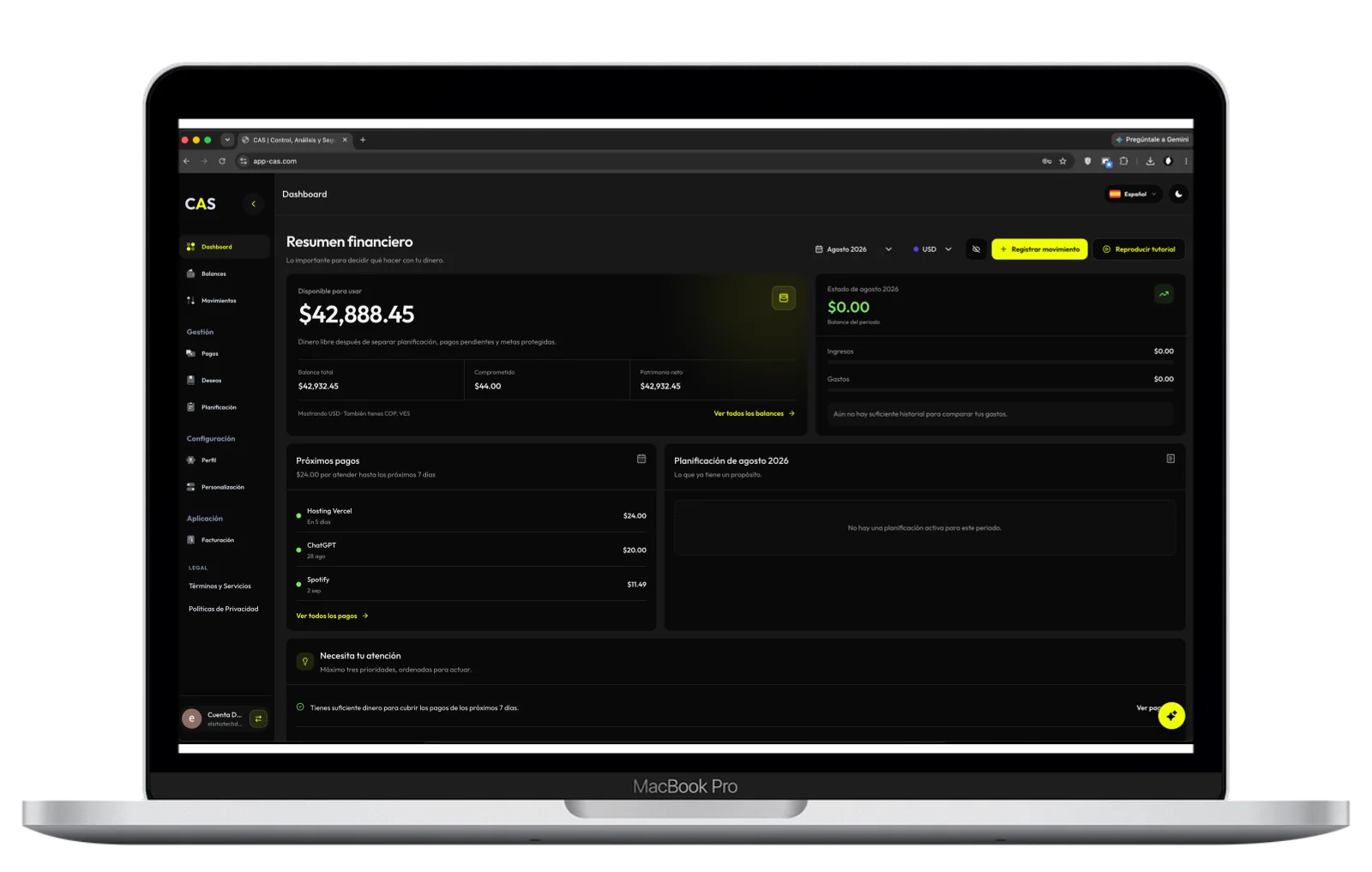
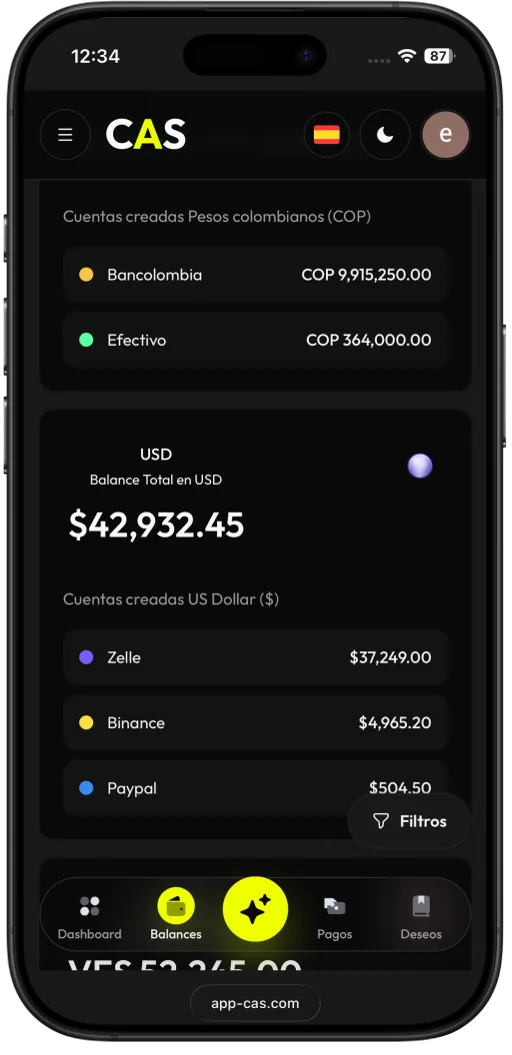
AI-assisted finance organization
Speak naturally, attach information and review patterns across income, expenses and categories. CAS organizes the context so you can decide with more clarity.
Step 1
Talk, type or attach a photo. AI interprets what you share and turns it into organized records.
Step 2
See how income, expenses and categories change over time without rebuilding every month.
Step 3
Consistency
8 weeks
Turn an intention into a visible path. CAS helps you keep the pace and understand every step forward.
Understanding changes everything
Learn about savings plans, mortgages, sales, and inventory with clear explanations and visual examples. Tap a question to discover its animated answer.
Clarity with clear boundaries
CAS organizes what you choose to record and helps you understand it. It cannot access your money, never asks for bank passwords and does not execute payments or transfers.
You decide what CAS needs to help you.
Organize accounts, transactions, budgets and goals in your own space.
CAS helps you make better decisions; it never touches or moves your money.
Real flexibility
Separate cash, accounts, wallets, currencies, categories and priorities. CAS keeps that structure so your personal finances do not blur together without context.
Avoid mixing balances that tell different stories.
Bank, cash, wallet or any source you need.
Use names, colors and icons you recognize.
From each record to a clearer view
Eight ways to organize your personal finances. Explore how accounts, transactions, commitments and budgets connect in CAS.
Conversation for organizing and learning
Organize your finances through conversation and understand your money step by step.
Learn more about AI AssistantThe product in context
Review transactions, accounts, budgets and goals through an experience designed for checking your money whenever you need it.
CAS plans
Plans are loaded directly from CAS, so you always see the available options and their current price.
Includes:
Everything in Free, plus:
Everything in Plus, plus:
Frequently asked questions
Straight answers about privacy, AI, plans and what CAS does.
No. CAS works with the information you choose to record. It never asks for bank credentials.
AnswerIt uses it within enabled features to interpret instructions, organize records and help you explore patterns. You decide what data to add.
Yes. You can reflect commitments, payments, dates and transactions to see their impact on your plan.
CAS is designed to separate accounts and currencies, avoid misleading totals and let you customize categories, colors and icons.
No. CAS organizes and analyzes the information you record. It is not financial, accounting, tax or legal advice and does not guarantee outcomes.
Yes. Available plans are managed within CAS and you can review their features before choosing.
CAS is ready to help
Turn income, expenses, budgets and goals into a picture you can understand and use to move forward.


